

HZP is now available on your TV — Apple TV, Fire TV, and Android TV.
On its own, the HZP TV app streams Audius with the SYQEL visualizer filling the screen — every world reacting live to the music.
And when you’re playing music from Audius or your own files in HZP on your phone or desktop — retuned to your frequency — you can tap the cast icon and your TV takes over: your music, at your frequency, visualized on the big screen.
Get HZP from the app store on your TV, make sure your phone or computer is on the same Wi-Fi, and hit cast.
→ Setup guide: hzp.co/tv
If you would like to retune music from Spotify, YouTube, Apple Music or any other service, you can do so by combining Music Retuner & SYQEL Art, here’s how:
Install Music Retuner browser extension on Chrome, Edge, Firefox or Safari onto your desktop browser on PC or Mac
Install SYQEL Art on your PC or Mac
Install HZP or SYQEL Art on your TV
Play the music you love from any service in your browser - set the tuning frequency you desire
In SYQEL Art on you desktop - set the audio source to System Audio or your browser tab
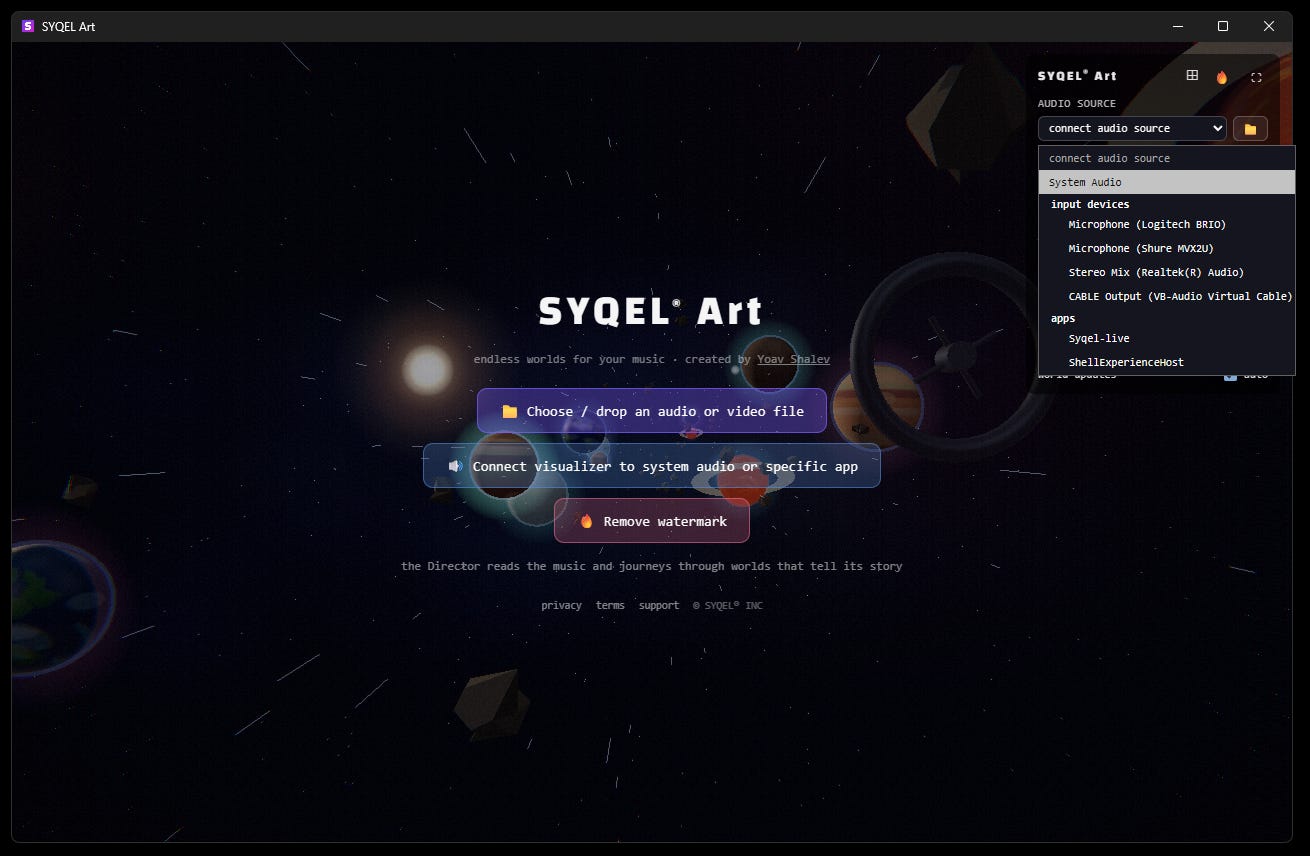
Open SYQEL Art or HZP on TV and it will appear as a destination option
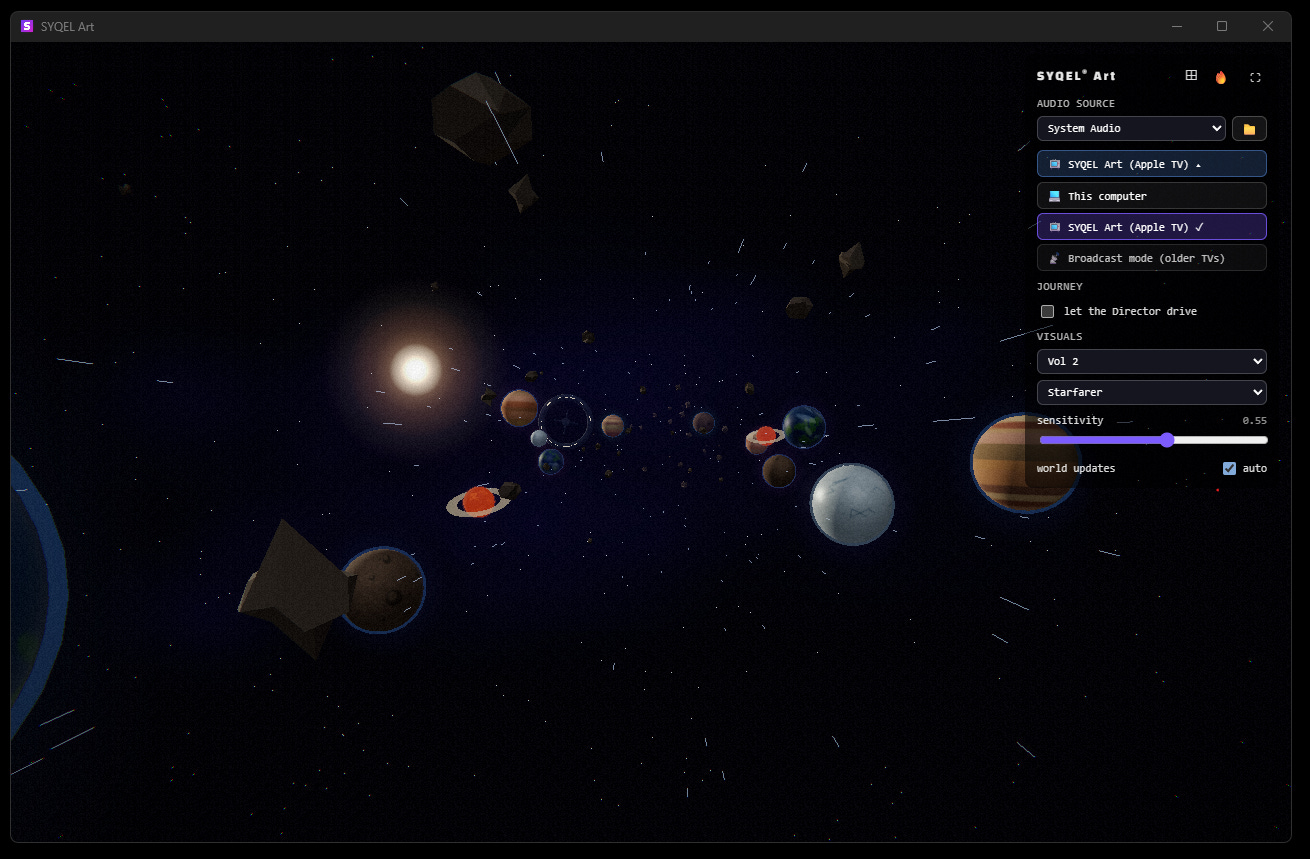
Once you click on the desired TV destination - the TV will take over, play your music and visualize it in real time.


Enjoy!